Training
Practice movement, attacks and sidekick calls before a competitive match. Change key bindings in Settings if the default layout is uncomfortable.
Play the Martin-inspired fan fighting game in your browser. Free to play, with no download required.
Still seeing a blank screen? The game may still be loading. Try reloading, or play on the creator’s page ↗.
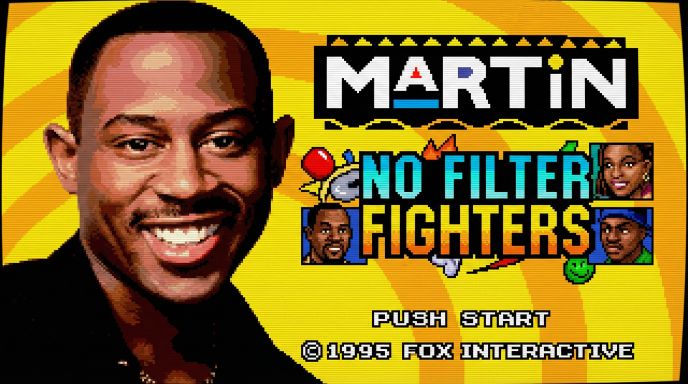
No Filter Fighters is an unofficial 2D fighting game by TDHampton Productions, inspired by the sitcom Martin. The full game name is Martin: No Filter Fighters. Choose a fighter and a sidekick, then play solo or challenge another player.
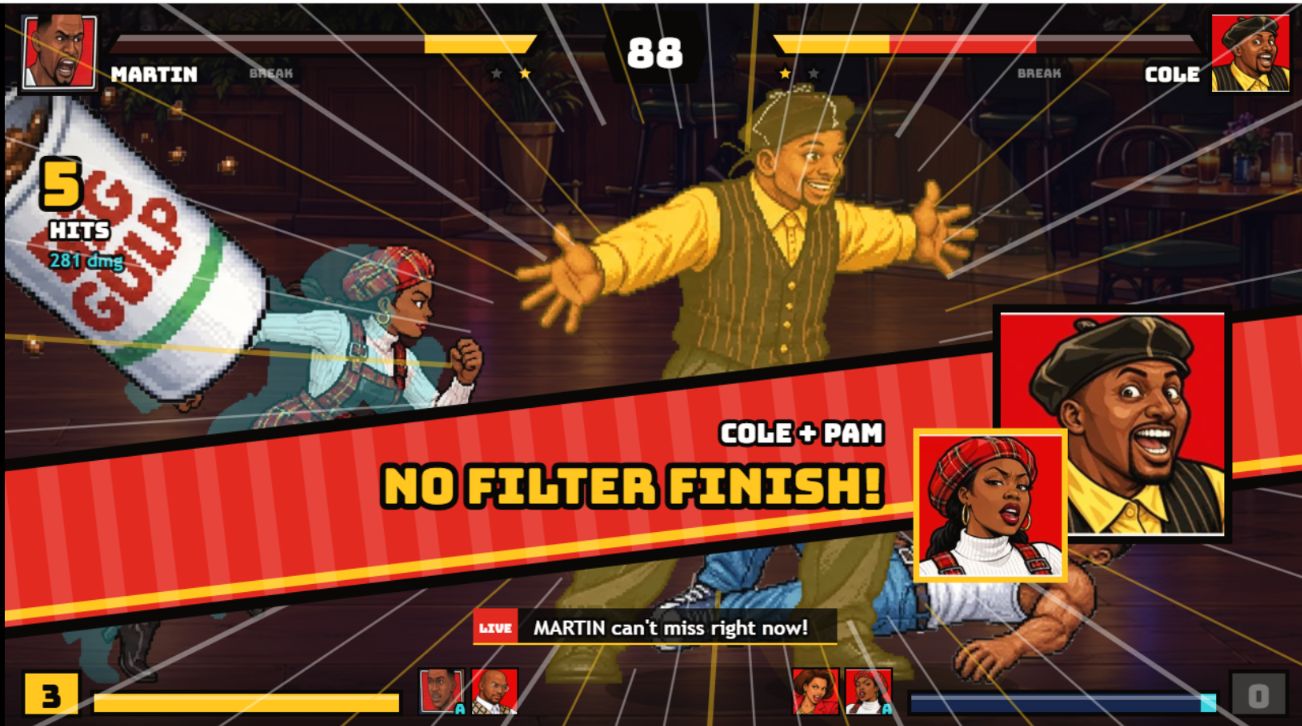
Your fighter handles the match while a separate button calls your sidekick. The game includes character-specific special moves and supers, plus stage breaks that can send a fight into another location. You can play here in the browser without downloading the PC version.
From the title screen to your first match.
Press Play game above, let the title screen appear, then click or tap inside the game. Follow the on-screen start prompt; on desktop, use Enter when asked. If your keyboard is scrolling this page, click inside the game again to give it focus.
Start with Training to learn the layout. Choose a fighter and sidekick when prompted, then practice moving and using a basic attack before trying specials. The game menu handles mode selection, settings and volume; the website toolbar handles fullscreen and reloading.
Try Arcade for a solo session or Versus with a friend. Use Esc on a keyboard or Start on a controller to pause. The pause menu offers Resume, Restart and Quit to Menu; use it to change modes before trying a full page reload. For a shared keyboard, review both players’ layouts before the match starts.
For No Filter Fighters input setup, see the device notes below. If the title screen will not respond, jump to troubleshooting.
Default controls for player one and player two.
| Your move | P1 Player one | P2 Player two |
|---|---|---|
| Move | WASD | ↑←↓→ |
| Attack | FGVB | JKM, |
| Special | H | L |
| Supers | TY | IO |
| Sidekick | C | . |
| Pause | Esc | Esc |
Prefer a controller? Connect it and press a button to get detected. Change bindings and volume in the game’s Settings.
On phones and tablets, use landscape orientation for the automatic touch controls. On a controller, Start pauses the match; on a keyboard, use Esc. Browser fullscreen support varies by device.
Choose the controls that suit your screen.
Play No Filter Fighters with the keyboard layout above or connect a controller and press a button so the game can detect it. Remap controls in Settings if the defaults are uncomfortable. Give the game window focus before testing inputs; a connected controller does not necessarily mean the browser has detected it yet.
The current browser version provides automatic on-screen touch controls. Hold your device sideways for more room. If fullscreen is unavailable, landscape orientation can still help. Performance and fullscreen support depend on your device and browser; you do not need the desktop installer for mobile browser play.
The creator lists Meta Quest 2 / 3 support through the Quest browser. Use the game’s Play in VR option to enter VR mode. The website’s Fullscreen button only enlarges the game view; it does not switch to VR. Follow the game’s prompts to get started.
The creator’s published roster, checked .
The Varnell Hill Show, Martin’s Apartment, Club GTD, Sheneneh’s Salon, Nipsey’s, Dragonfly’s Dojo, The Playa’s Ball, The Fifth Flo’. Each location has its own music, according to the creator’s listing.
Choose practice, a solo run or a match with a friend.
Practice movement, attacks and sidekick calls before a competitive match. Change key bindings in Settings if the default layout is uncomfortable.
Use local Versus on one device, or select Online Versus and share a room code with a friend. The online connection is handled by the game’s own service.
Choose a solo run in Arcade or explore the available character stories. CPU Showcase and Reveal Theater are also listed in the creator’s current version.
Browser play and desktop downloads are separate options.
You can play here without installing anything. If you prefer a desktop version, the creator provides downloads for Windows and Linux/Steam Deck on itch.io. Choose the package for your system and extract the complete folder before launching it.
The creator’s v12.9 update adds playable Bruh-Man and The Fifth Flo’ stage, introduces PC downloads, and improves startup loading. The character and stage lists reflect this version; future updates may change them.
Help with startup, inputs and online rooms.
Click or tap inside the game again. The browser is probably sending keyboard input to this page instead of the game. Try movement once focus is back inside the player, then check Settings if your bindings were changed.
Look for the game’s keyboard start prompt. On desktop, Enter can still be used when prompted, even if a support panel overlaps the text. No Filter Fighters browser play is free; the creator’s support link is optional.
Give the game time to load before pressing buttons. If no screen appears, try Reload game in the website toolbar; it asks before ending the current session. If the issue continues, use the creator link below the player to try the original game page.
Try landscape orientation or open the creator’s original page. Fullscreen support varies between mobile browsers. Rotating the device may improve the view even when the browser does not allow a fullscreen request.
Make sure both players selected Online Versus and follow the current room-code instructions. A No Filter Fighters room code belongs to that multiplayer session; it is not a website login code. Connection availability depends on the game’s service.
Answers about playing, devices and downloads.
It is a fan-made fighting game inspired by the sitcom Martin, created by TDHampton Productions. This page brings together the browser game, controls, device setup and help for your first match.
Yes. The creator provides the browser game for free. Press Play game above to start playing. No download or payment is needed for browser play.
The creator’s current version supports on-screen touch controls. Turn your phone sideways for more space. Controls and performance depend on your device and the current game version.
The game includes local Versus and an Online Versus mode with room codes. Choose a mode in the game menu. Online availability depends on the game’s own service.
The creator offers Windows and Linux/Steam Deck packages on itch.io. Use the download link in the section above to choose the appropriate package. You do not need a download to play the browser version on this page.
The creator lists controller support. Connect your controller and press a button so the game can detect it. Button mappings can be changed in the game’s Settings.
Click or tap inside the game to give it focus. If it stays blank, try Reload game, or open the creator’s page using the link below the player. Reloading can discard your current match.
No. The game is an unofficial fan tribute, and this website is an independent guide and play page. Martin and its characters belong to their respective rights holders.