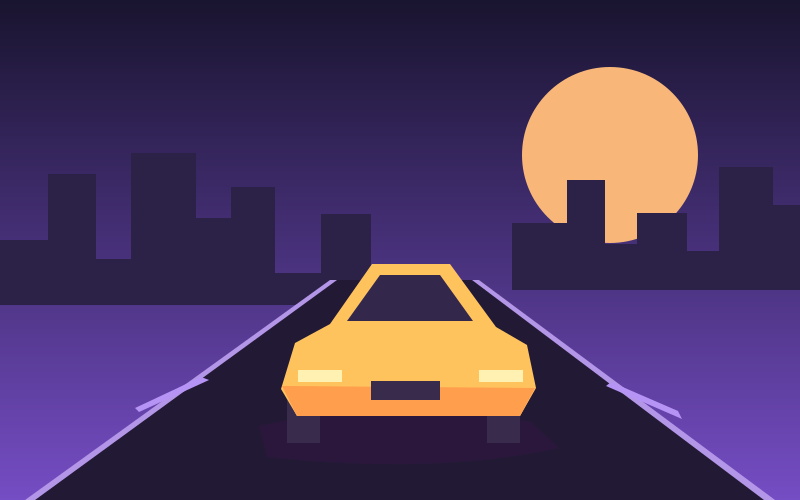
About Chase Road
Chase Road is a browser driving game where your getaway car accelerates on its own. You steer through a blocky city while police cars try to close in. Each run gives you two things to manage: the space around the car and the health you lose when you hit something. The goal is to stay on the road as long as you can.
What makes Chase Road different from a lap racer is that the next turn matters more than a finish line. A street that looks clear can end in a blockade, and taking a tight corner can leave a pursuing car alongside you. Look past the back of your car and choose a route before you have to commit.
Start with solo Chase Road if you want time to learn how the steering feels. When a friend is ready, switch to local split-screen. Both drivers play at once on the same device, but each has their own road and pursuit to deal with.
How to play Chase Road
Start your first Chase Road run
Press Play game and wait for the game menu. Click or tap inside the player, then choose the solo run. On a keyboard, use the left and right arrows for your first few turns. There is no need to hold an accelerator while you learn.
Tap to steer, hold to drift in Chase Road
Use a brief steering input to adjust your line and a longer hold to drift through a wider turn. In Chase Road, holding a direction too long can leave you aimed at the edge of the street. Release the input as the road opens up and give yourself room for the next turn.
Find a gap in a Chase Road blockade
When Chase Road puts a blockade ahead, look for a gap with wooden boards. Aim for the boards instead of the parked vehicles. Make that choice early: a late turn leaves less room to correct your approach, especially when a patrol car is already close behind.
Chase Road controls
- Solo steering
- Left and right arrow keys; hold a direction to drift
- Solo brake or reverse
- Down arrow or S
- Solo pause or restart
- Esc or P to pause; R to restart
- Two players on one keyboard
- Player 1: A and D. Player 2: left and right arrows.
- Solo touch controls
- Tap either side to steer; hold both sides to reverse
If the arrow keys scroll the page, click inside the game to give it keyboard focus.
Solo and two-player Chase Road
Solo: build a better run
Solo Chase Road is about surviving longer and collecting coins for the garage. If the first few runs end quickly, practice one part at a time: keeping clear of patrol cars, aiming for an opening, then drifting out of a corner without hitting the next obstacle.
Chase Road split-screen: race a friend
Select 2 PLAYERS and share the same device. Each person controls a separate car and faces a separate chase. In this mode, Chase Road makes the cars available to both drivers and switches off special abilities. Pay attention to your own view first; looking over at the other driver can cost you the next turn.
Tips for a longer Chase Road run
Leave room to steer in Chase Road
A turn is easier when you can see the next stretch of road. In Chase Road, give yourself enough room to line up with an opening rather than sliding into it from the side. If a coin bag would pull you across a crowded street, leave it and keep the run going.
Avoid getting pinned at low speed
Watch for a patrol car drawing alongside in Chase Road. Braking while boxed in can make it easier to get caught. Try to keep a usable lane open as you enter a corner, instead of waiting until the road is already blocked on both sides.
Read the wanted stars in Chase Road
The wanted stars tell you how far the pursuit has escalated. Later in a Chase Road run, helicopters, heavier vehicles and other threats add pressure. Small crashes still count, so take a clear route when you find one. A car wash can restore some health if you reach it.
Play Chase Road on a phone or tablet
On a touchscreen, steer Chase Road by tapping the left or right side. If you are sharing the display, keep your fingers in your own player's area. Landscape orientation gives each driver a wider view when the halves sit side by side. On a small screen, try a short solo run before starting a two-player round.
For more space, use the Fullscreen button under the player. If the browser will not enlarge Chase Road, rotating the device or opening the original game page is another option. Check the touch controls if steering feels different from the keyboard.
Chase Road FAQ
Answers about playing, devices and downloads.
Is Chase Road a racing game?
It is an arcade survival chase. A solo Chase Road run ends when you are caught or your car is wrecked. There is no fixed lap to finish.
Can two people play Chase Road on one computer?
Yes. Select 2 PLAYERS for a split-screen round. One driver uses A and D and the other uses the left and right arrows. Compare how long you survive, even though you are driving separate chases.
How do I unlock cars in Chase Road?
Collect coins in solo runs and spend them in the garage. The shared-screen competition has a different setup: all cars are available and special abilities are disabled.
Can I play Chase Road on a phone?
Rocket Games lists phone and tablet browser support. Tap the left or right side to steer in solo mode. If the view feels narrow, turn your device sideways or open the Rocket Games page directly.
What if Chase Road does not start?
Give the game a moment to load, then click or tap inside it. If the view stays blank, try Reload game or open the game on Rocket Games. Reloading ends the current run.
Try another game
For another game to share, try No Filter Fighters. For a solo challenge on the water, play Blue Break.